Follow your children's school on your phone
Payments, receipts, what is left to pay, notices and summons: everything the school shares with you, for each child, even in different schools.
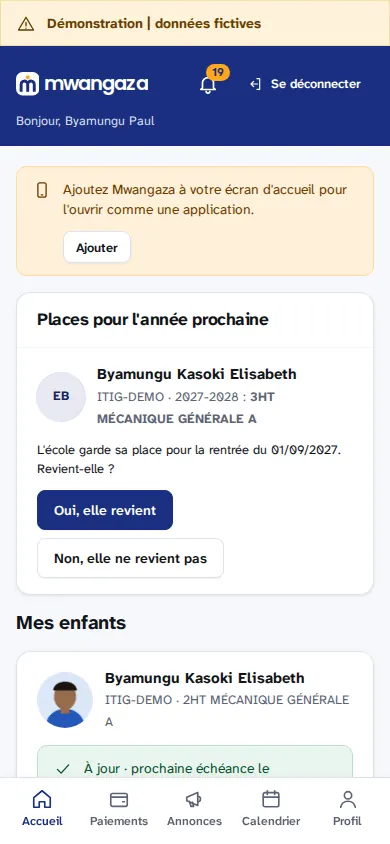
The essentials of the school, without travelling
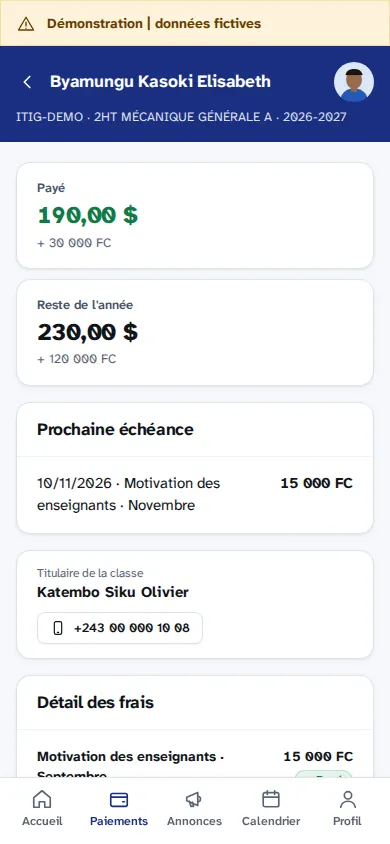
Payments and receipts
Each payment, its receipt, and what is left to pay by instalment.
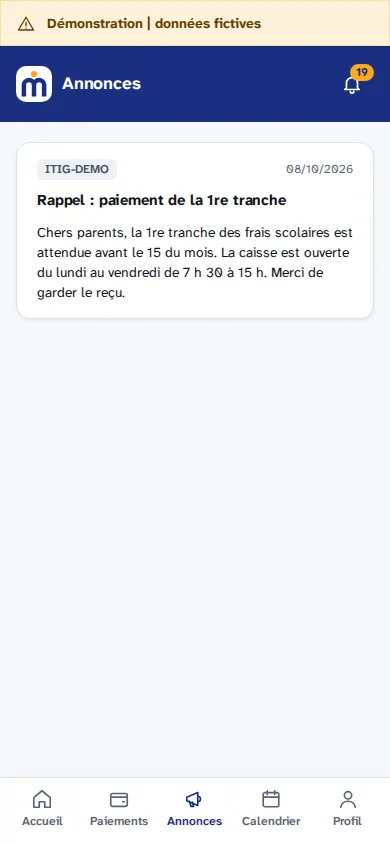
Notices
The school's notices, with no paper lost in the school bag.
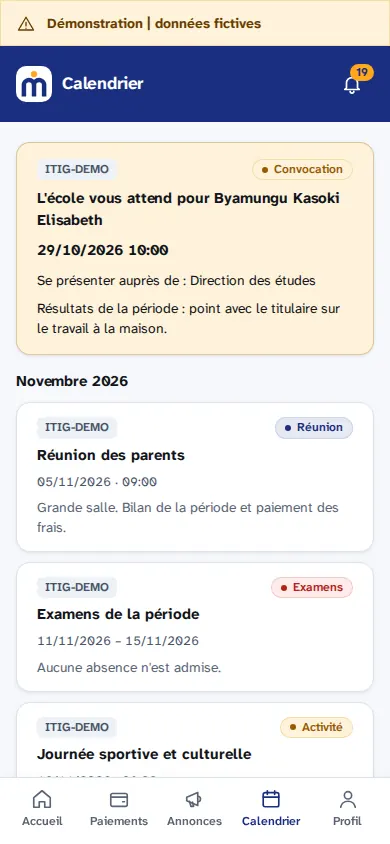
Calendar and summons
Holidays, meetings, exams, and the summons that concern you.
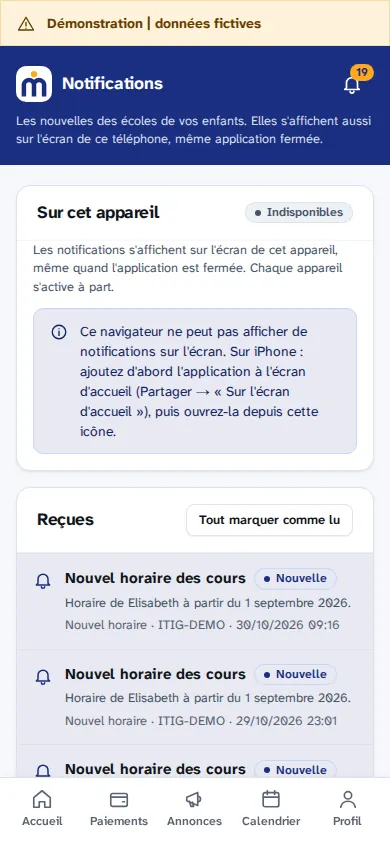
Alerts on the screen
Payment received, due date coming: you are told on your phone.
Three steps, only once
Your account is created by the school. You activate it with the family code it gives you.
The family code
It is printed on your child's registration form, or given by the school office.
Family codeK7M4QP2AYour phone
Open parents.mwangazaschool.com, type the number given to the school and the family code.
Your password
Choose it. Next time, the number and the password are enough.
Like an app, without a store
The parent space is added to the home screen and opens with one tap. It takes very little space.
Android (Chrome)
- Open parents.mwangazaschool.com in Chrome.
- Tap the ⋮ menu at the top right.
- Choose “Install app” or “Add to home screen”.
iPhone (Safari)
- Open parents.mwangazaschool.com in Safari.
- Tap the Share button.
- Choose “Add to Home Screen”.
You only see your own children
- The school decides what it shares; it can suspend an account.
- Only you know your password.
- Each receipt has a QR code anyone can check.
I lost my family code
Ask the school office for a new one: the old one no longer works.
I changed my phone number
Tell the school, or use your profile if you are still signed in: the school approves the change.
My children are in two schools
One account is enough if both schools use Mwangaza with the same number.
Can I pay online?
Not yet: you pay at the school's cash desk. Mobile Money payment is planned.
Does your school use Mwangaza?
Open the parent space with the number given to the school. No code yet? Ask the school office.